
Login
The admin panel requires authentication. Only users with valid credentials can access the system.
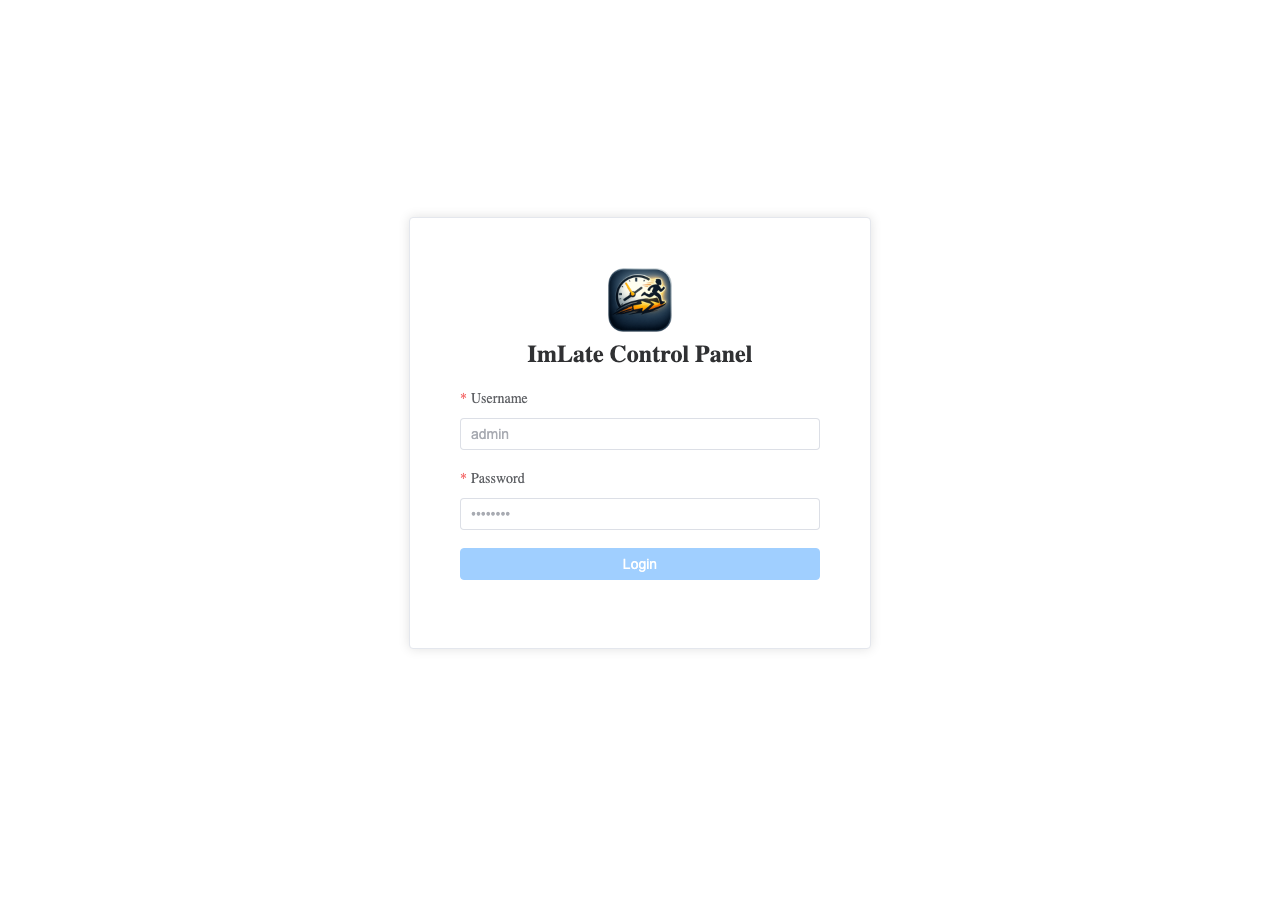
How to Log In
1
Open the admin URL. Navigate to /admin in your browser. If you are not logged in, you will be redirected to the login page.
2
Enter your credentials. Type your username and password in the login form.
3
Click "Login". If the credentials are correct, you will be redirected to the Dashboard.
Authentication Details
- The system uses JWT tokens for authentication.
- Your session token is valid for 30 minutes.
- The token is automatically refreshed when it expires, so you stay logged in while actively using the panel.
- If you are inactive for too long, you will need to log in again.
TIP
If you forget your password, contact another administrator. They can reset your password from the Admin Users section.
Logging Out
Click the Logout button in the top-right corner of the header. This clears your session and redirects you to the login page.
User Roles
| Role | Access |
|---|---|
| Admin | Full access to all sections |
| Terminal | Limited access for terminal operations |